Auto-Approve
Routine commands pass quietly. Sensitive actions still wait for your decision.

Stay in sync with what matters, from everyday notifications to AI agents working in the background.
Brightness, volume, Caps Lock, copy, paste and battery states appear through subtle light and motion — then disappear the moment you’re done.
Click a keyboard control to try it.
The light becomes one continuous thread for everything Glance keeps within reach of your notch.
Light Engine Motion
Glance’s living light system.Reply, adjust, and move forward without breaking focus.
See current conditions and the hours ahead from the notch. No extra app required.
Temperature, humidity, wind, and the forecast ahead.
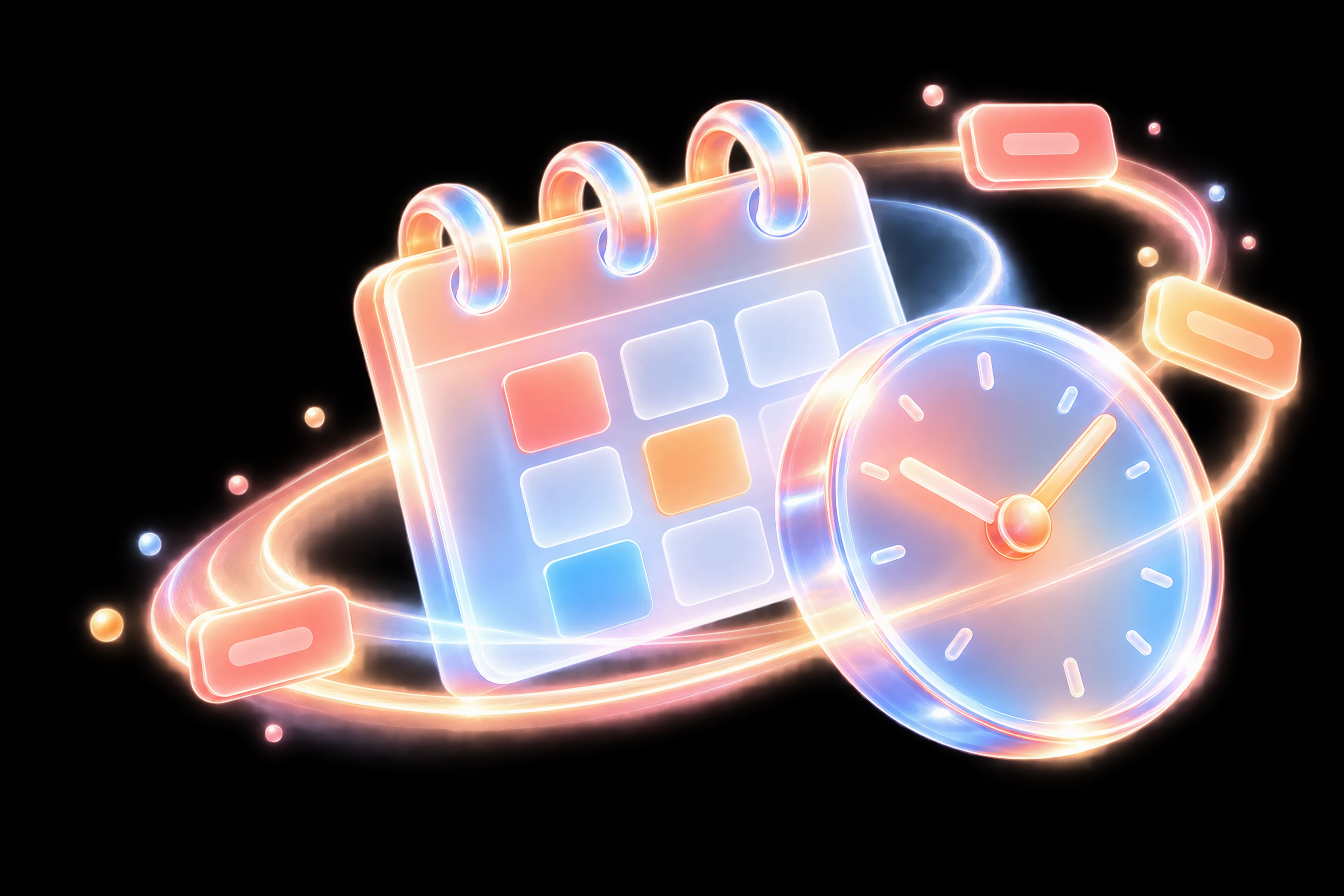
See your schedule, choose a date, and join the next meeting from the notch.
Your month, appointments, and meeting controls in one view.
Add a reminder, complete a task, and keep today moving from the notch.
Tasks, due dates, and progress stay in sync with Reminders.
Start a timer, take a break, and follow the countdown from the notch.
Timers, Pomodoro cycles, and progress at a glance.
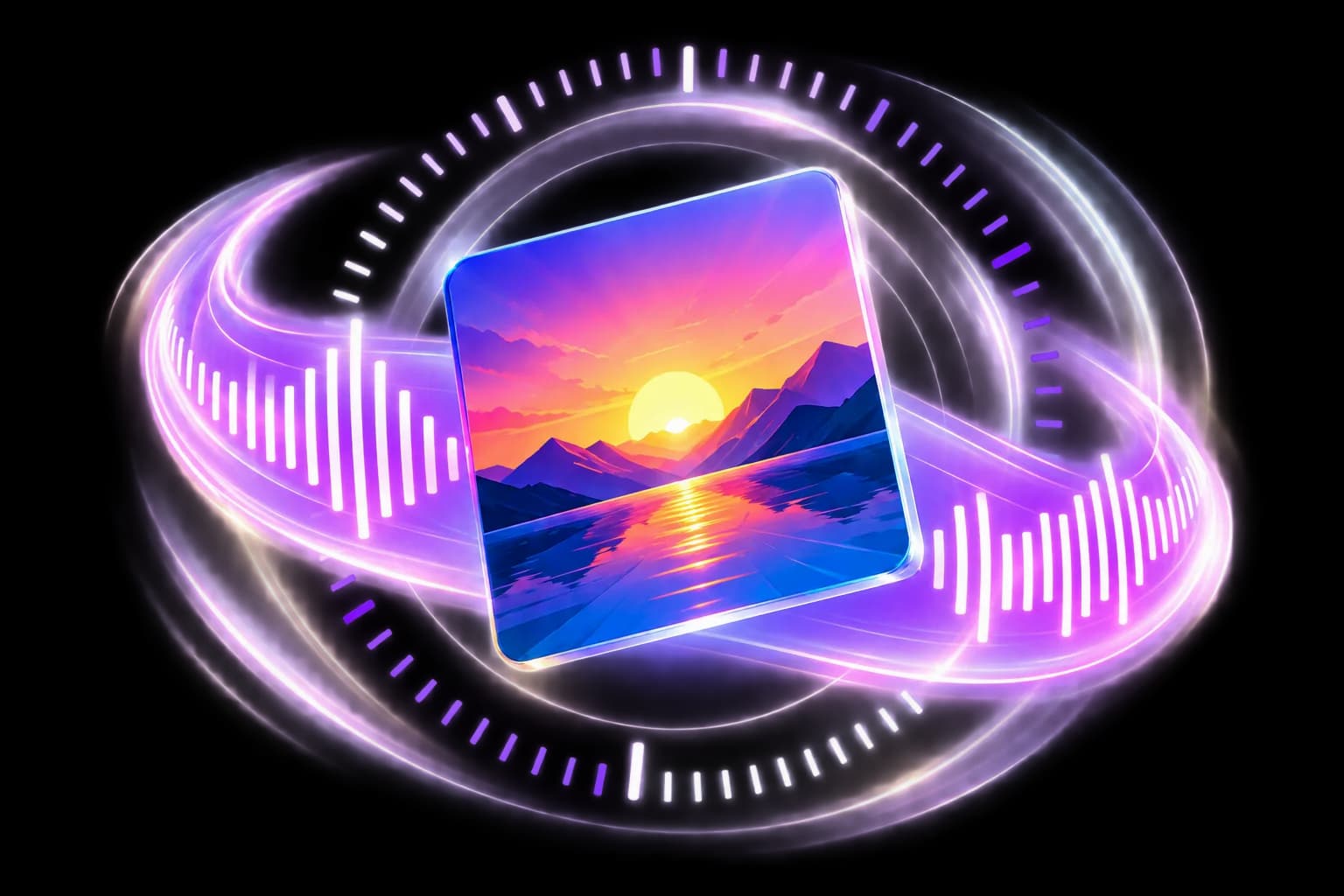
Play, pause, or skip from the notch. Your music stays close while your work stays put.
Artwork, controls, and live sound in one compact view.
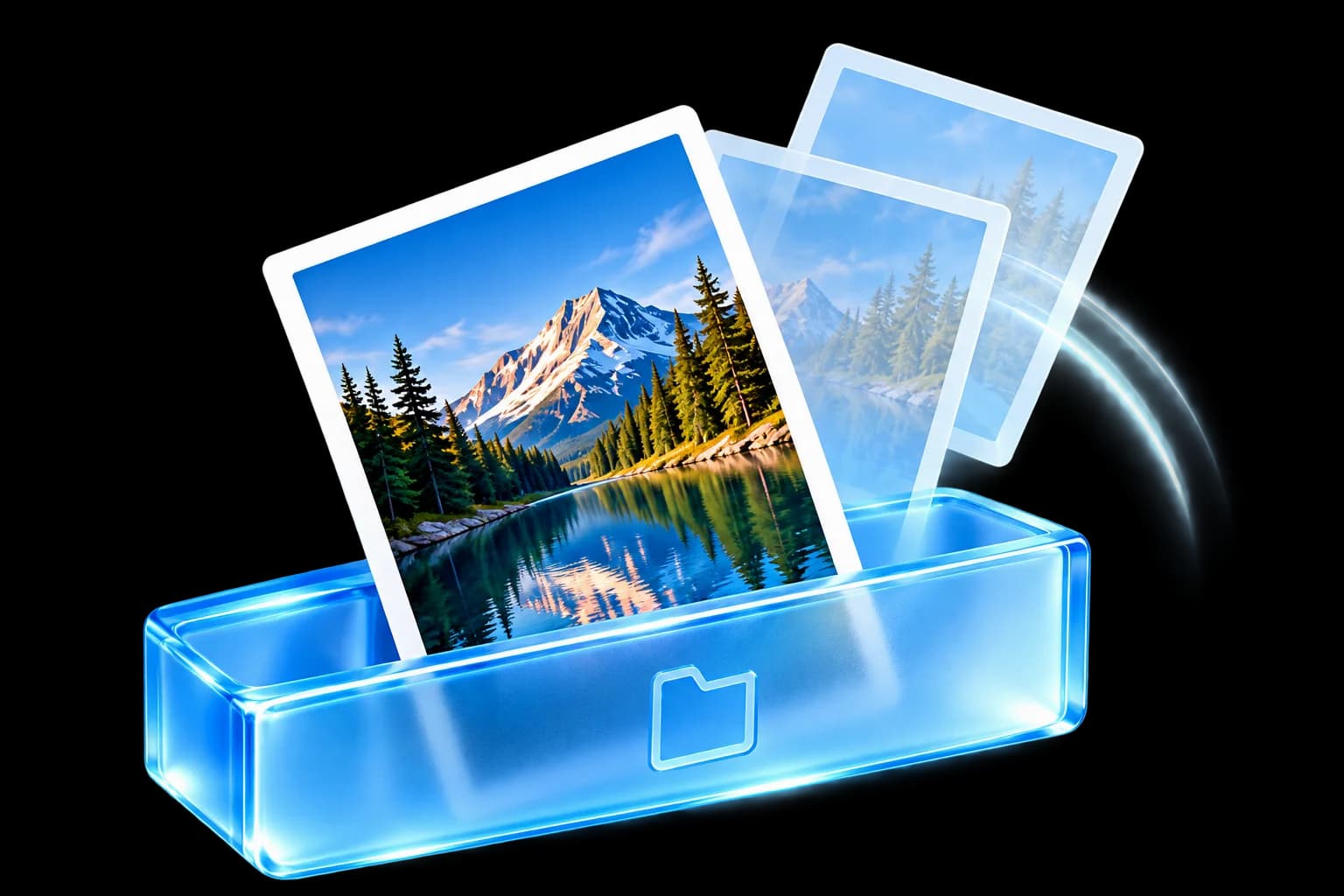
Drag a file to the notch, keep it on the Shelf, or send it with AirDrop.
Store, retrieve, or share in one gesture.

See the messages and alerts you care about in a quiet peek below the notch.
Stay informed without opening Notification Center.
_logo.png)
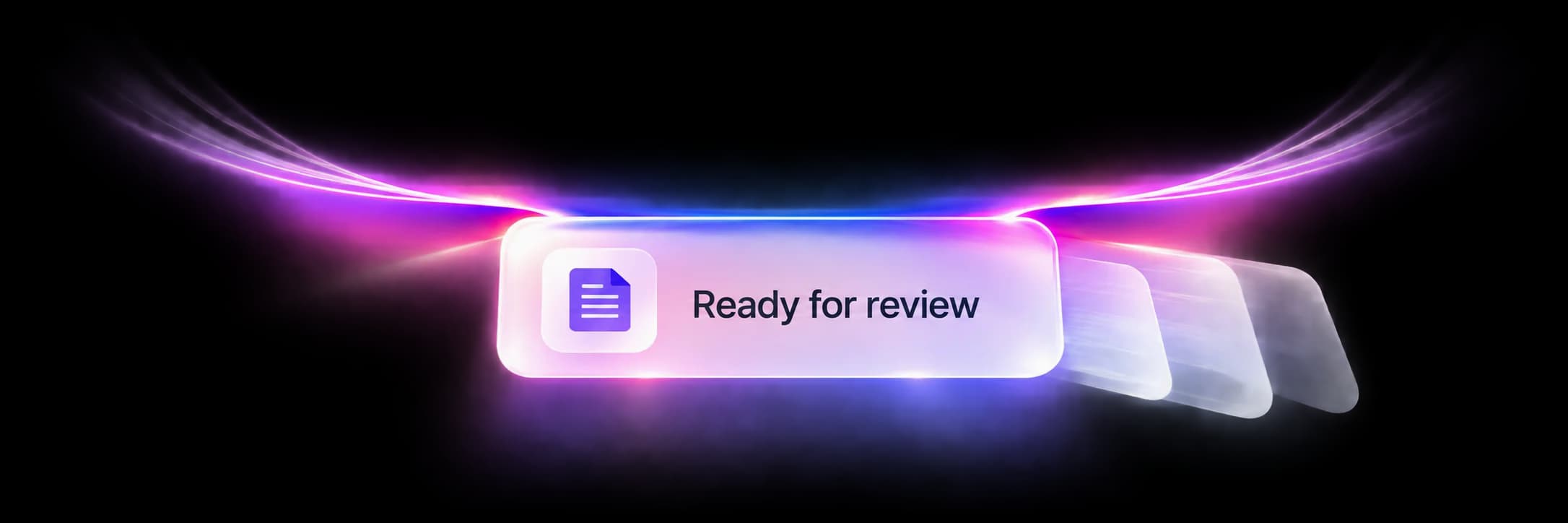
Trust routine commands once. Glance handles them from there, while sensitive actions still wait for you.
Trust clears when Glance closes.
Answer a request with your voice. Glance listens only while the request is on screen.
Voice replies stay on your Mac.
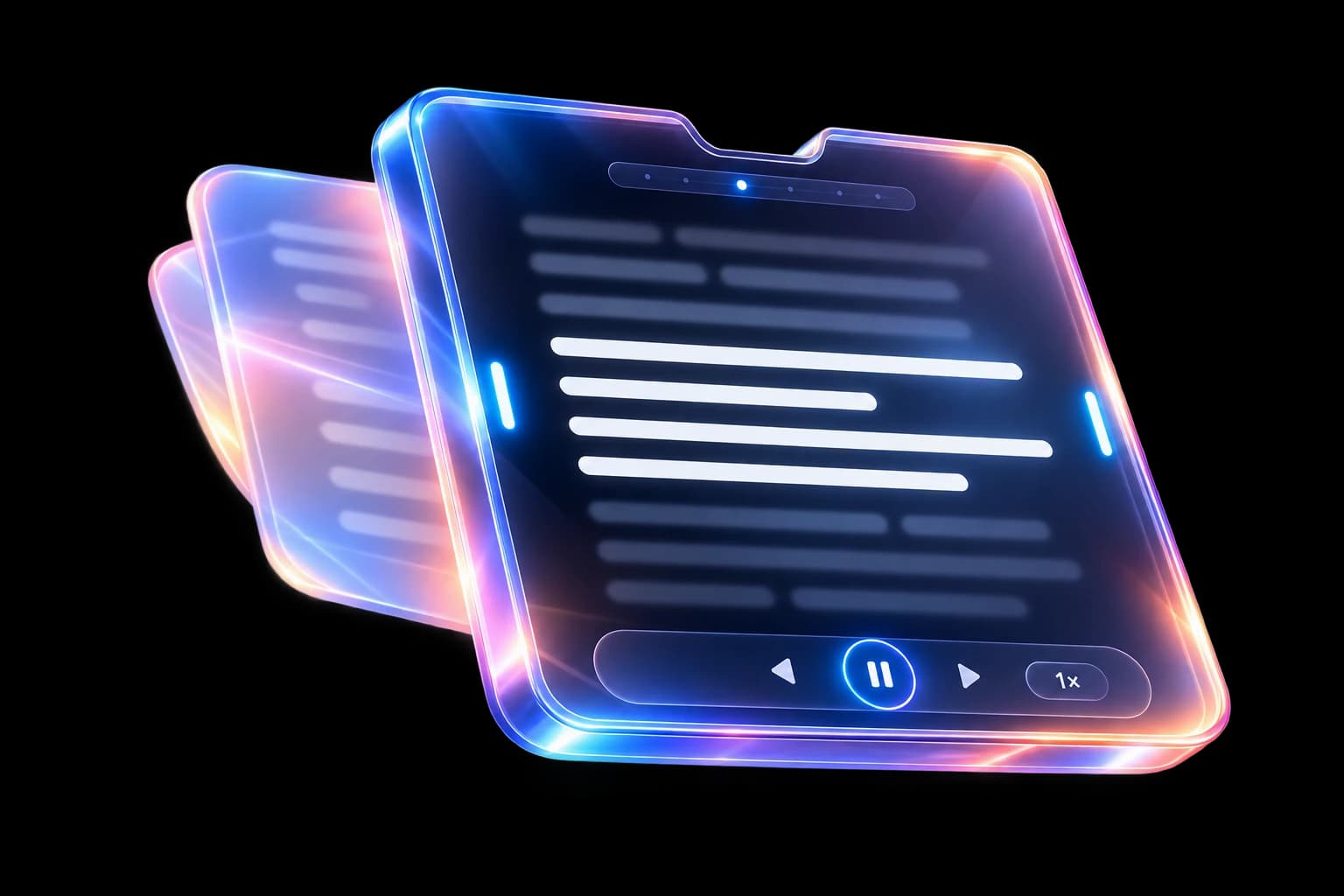
Review the details, choose what works, and answer your agent without leaving the task.
Single or multiple choices, all in one view.
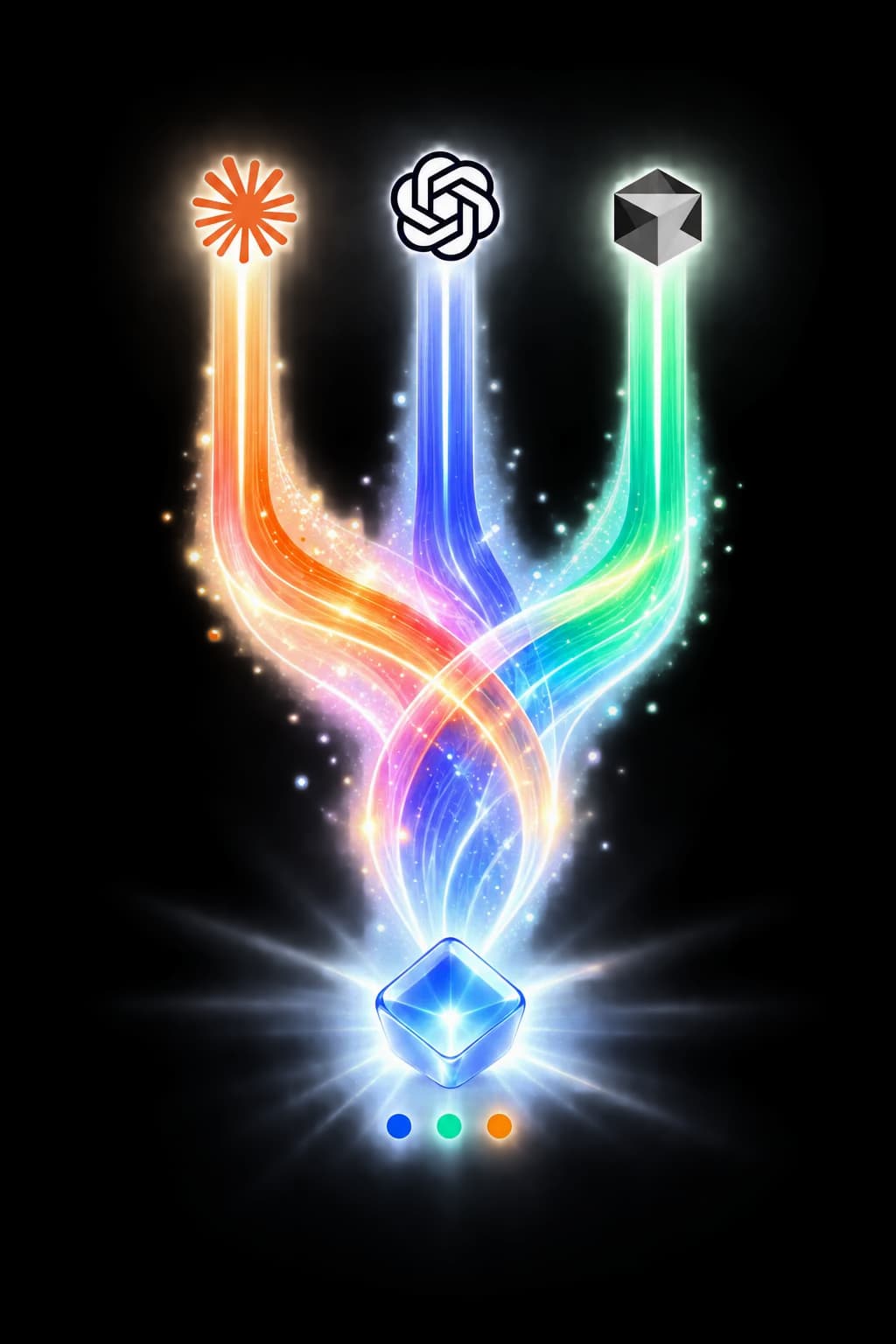
Put every coding agent in your notch and get back to building, native and yours in one download.
From Glance users
Creators, developers, and product teams describe the moments when Glance becomes useful, then quietly steps away.
Motion Designer
“Having Spotify directly in Glance’s notch is a joy. The controls unfold smoothly on hover, and I never have to leave my editing software.”

Product Owner
X
“When an agent gets stuck, I do not need to open another chat window. The notch expands, shows the question, I answer from the bubble, and the agent gets back to work.”

Full-Stack Developer
“Auto-approve is fantastic, but its safety net matters even more. For a sensitive command, the notch turns orange and waits for my manual approval.”

UI Designer
“The care given to the light animations is remarkable. With the Volumetric theme, the light genuinely feels like it has depth coming out of the display.”
Community Manager
“My important notifications are gathered around one area. They slide from the notch and disappear gently, making the screen feel far less aggressive.”
Data Analyst
Discord
“When my agent needs clarification, the reply field is already inside the notification. It keeps the pace moving without forcing a context switch.”
System Administrator
“I want agents to be autonomous, but not to delete files without my agreement. Glance stops auto-approve for critical commands and lets me approve or cancel.”
Streamer
Discord
“I use Glance’s Pixel theme for my setup. Seeing the notch animate with small retro blocks while my agents moderate chat is a detail I love.”

Architecture Student
Discord
“Managing music and seeing system notifications appear subtly around the notch helps me stay focused without losing touch with what matters.”
Finance Manager
X
“The agent prepares invoices with auto-approve. At sending or payment, everything pauses and the notch waits for my go-ahead. That is exactly the human control I need.”
Lawyer
App Store
“At the office, Classic stays thin and discreet. For focused work I switch to Halo, a soft light that tells me everything is running without pulling my attention away.”
Creative Director
“The Halo theme gives the notch an almost organic quality. Glance is not only useful, it is genuinely pleasant to have on screen every day.”
Productivity
Weather, calendar, reminders, music, timers, files, notifications, and AI tools. Always within reach.