


What you just watched
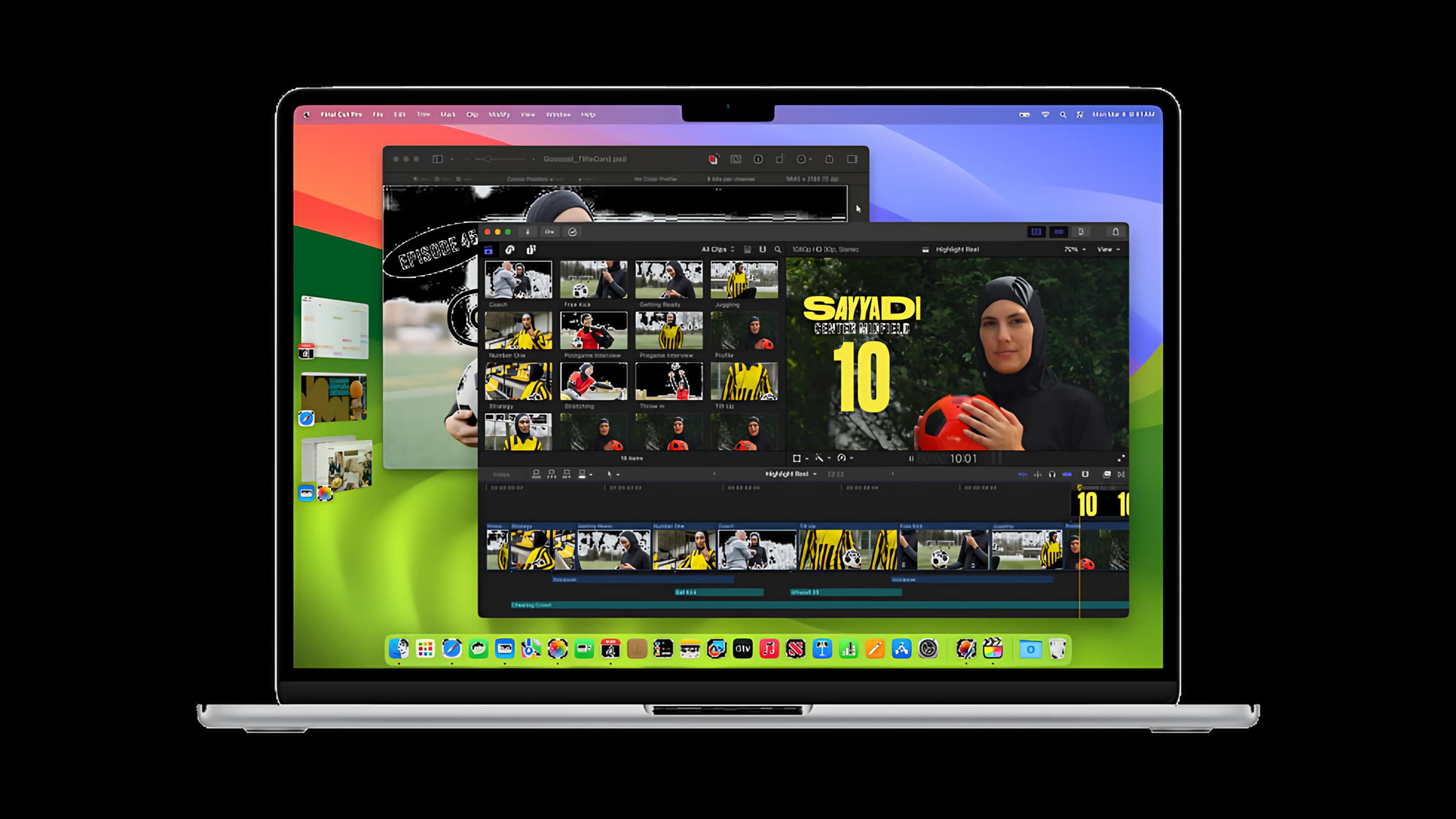
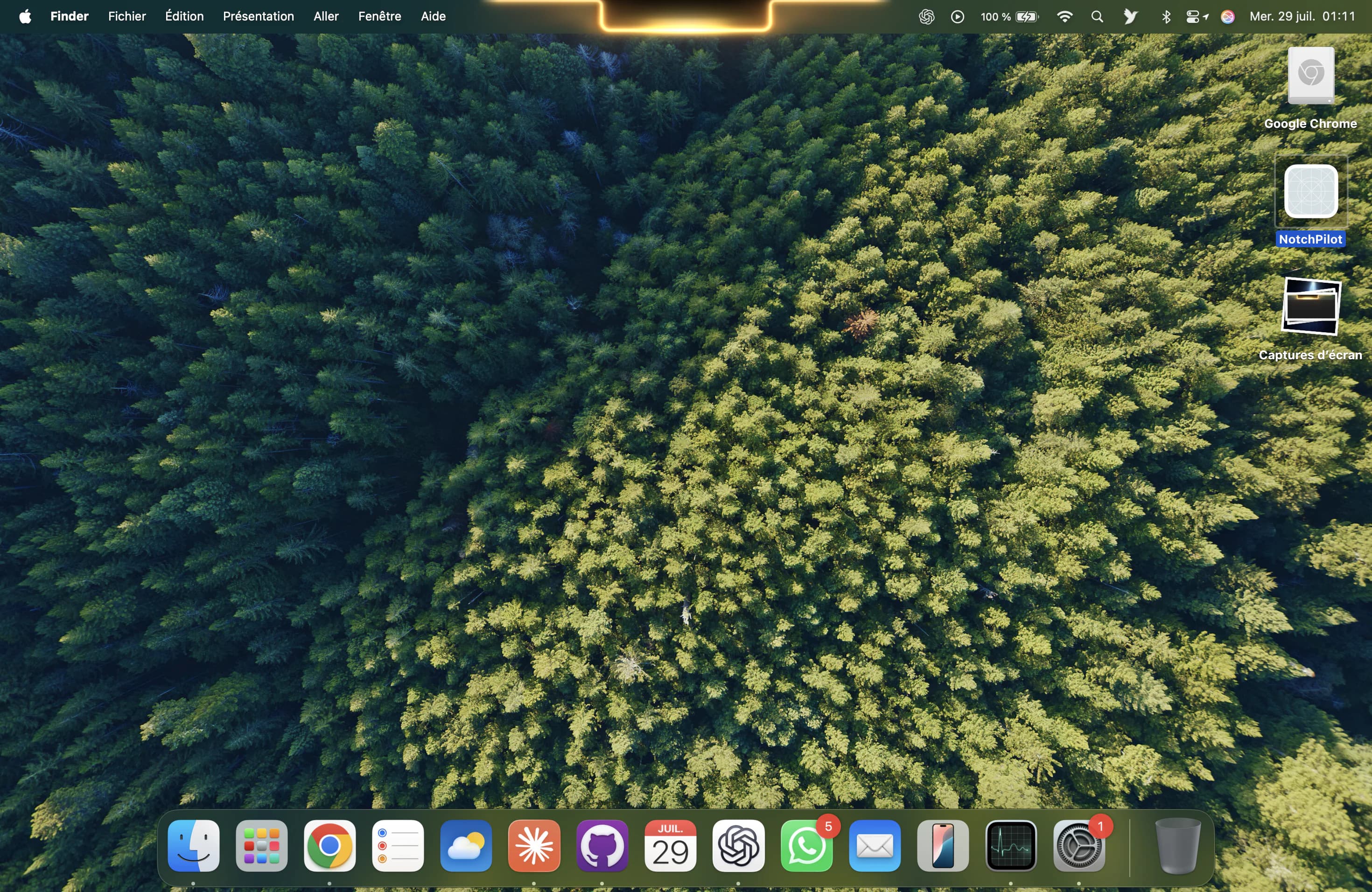
Glance lives in the black notch at the top of your MacBook display. Most of the time it stays out of the way. When something needs you, the notch lights up, opens just enough to show it, and closes again once you are done, without a single window to find or close.
- Your day in one look. The next calendar event and your reminders sit right under the menu bar.
- Mail and notifications. Alerts slide out of the notch and disappear on their own.
- Music without switching apps. Play, skip and see what is playing in Spotify or Apple Music.
- Every shortcut, acknowledged. Copy, paste, undo or a screenshot get a small visual answer in the notch.
- The Shelf. Drop a file on the notch, pick it up later, or send it with AirDrop.
- AI agents in the background. Claude Code, Codex and Cursor report progress and wait for your approval on sensitive commands.
Take the controls
The demo ends by handing the Mac over to you. Send a task to the coding agent and watch the notch wake up: a running peek first, then the halo, then the live card with the agent's progress. That is exactly how Glance feels on your own Mac, except there it follows your real agents, your real music and your real calendar.
Want to go deeper on a single topic? See how Glance handles AI coding agents, browse every feature, or read why people call it the Dynamic Island for Mac.